
Search Montgomery County Court Records
The main online channel for Montgomery County court records is Indiana MyCase. The Indiana Judicial Branch county page links users to MyCase for case search, and the portal covers public, non-confidential case information from courts using the Odyssey case management system. For Montgomery County, the courts tied to the courthouse records are Montgomery Circuit Court, Montgomery Superior Court I, and Montgomery Superior Court II.
MyCase is free, but it is not the official court record. The official record stays with the court that maintains the file and the Clerk of the Circuit Court. Use the portal for search, case numbers, party names, chronological case summaries, hearing entries, charges, financial summaries, and some linked documents. Use the Clerk when a document link is absent, when a certified copy is needed, when a current balance must be confirmed, or when an older file is not available online.
- Open Indiana MyCase or the shorter mycase.in.gov address.
- Choose case, party, or attorney search. If a Montgomery cause number is known, look for prefixes such as 54C, 54D01, or 54D02.
- Enter one case identifier, or search by party name using the last name plus first name, middle name, or date of birth.
- Use court, case type, status, and file-date filters if the first search returns too many results.
- Open the matching case and read the court, case type, status, parties, chronological case summary, hearings, documents, and financial summary.
- Contact the Clerk in Room 102 if the online record is incomplete or if a certified copy is required.
The official MyCase search screen is the best starting point for a Montgomery County court records search because it brings case-number, party, attorney, court, status, and file-date options into one state portal.
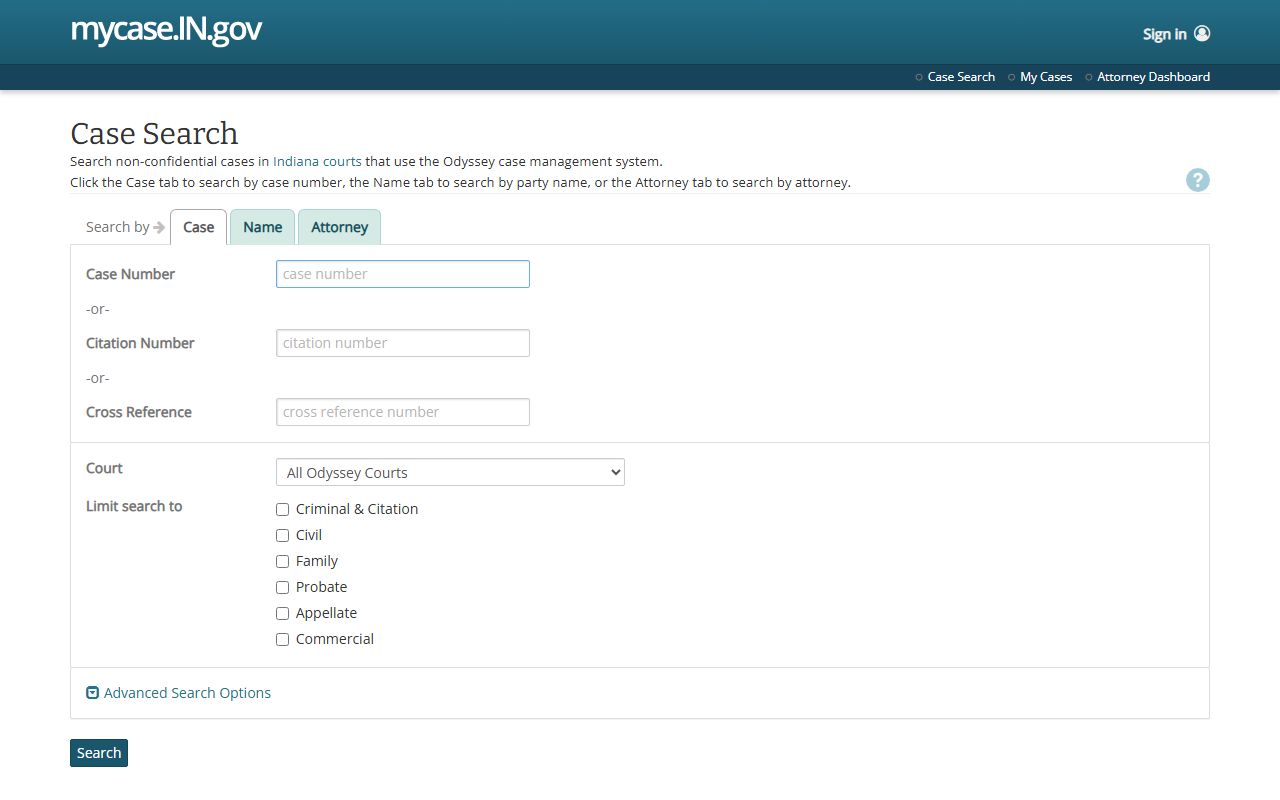
That search interface helps users move from a name or cause number to the actual case record before deciding whether the Clerk must provide an official copy.
The broader Indiana MyCase portal is also assigned to Montgomery County court records because it is the statewide public entry point for non-confidential case lookup.
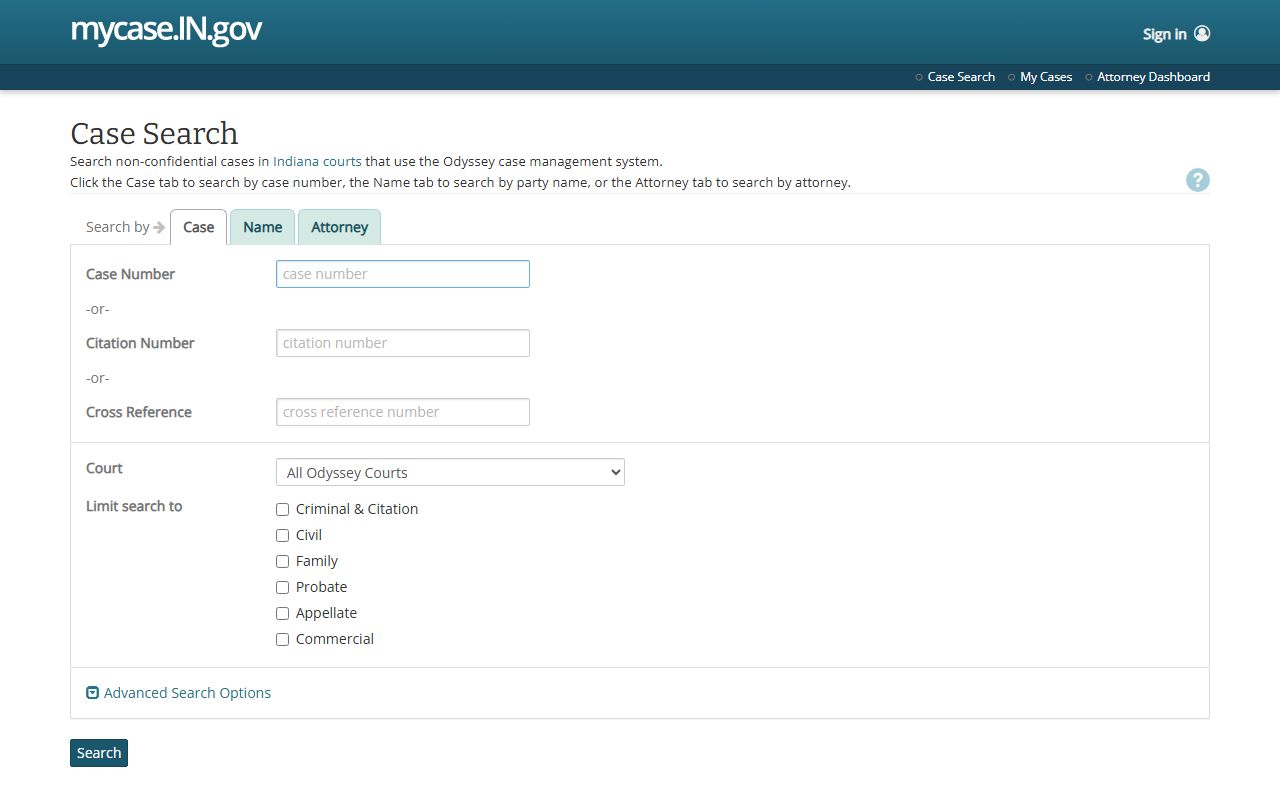
Using the statewide portal and the direct search screen together gives Montgomery County users both the main access point and the specific case-search workflow.
Montgomery County Court Record Fields
MyCase has several search modes. A case-number search is most precise, while a party-name search is useful when the cause number is not known. The official search tips warn that no search returns more than 1,000 results, that wildcard searches work only at the end of a name or word, and that a captcha may appear after repeated searches.
| Field Label | Type | Required | Notes / Format |
|---|---|---|---|
| Case Number | Text | One identifier in case mode | Hyphens and leading zeroes may be included or omitted. Montgomery prefixes include 54C, 54D01, and 54D02. |
| Citation Number | Text | Optional case identifier | Useful for traffic tickets and UTT searches when the ticket number is known. |
| Cross Reference Number | Text | Optional case identifier | May be an old case number, uniform case number, or another agency number. |
| Last Name | Text | Yes for person search | Official tips require last name plus first name, middle name, or date of birth for a person search. |
| Business Name | Text | Yes for business search | Exact business name works best. A trailing wildcard can help with entity suffix variants. |
| Attorney Number | Text | Optional | Can search by attorney number, or by attorney last name plus first or middle name. |
| Court | Dropdown | No | Can narrow results to a court or court group when too many matches appear. |
| Case Type | Dropdown | No | Limits results by case category, such as civil, criminal, infraction, probate, or family. |
| Status | Dropdown | No | Filters open or closed cases. |
| File Date Start / End | Date | No | Limits results to cases filed within the selected date range. |
The official MyCase search tips explain the name, wildcard, case-number, citation-number, court, case-type, and result-limit rules used for Montgomery County searches.
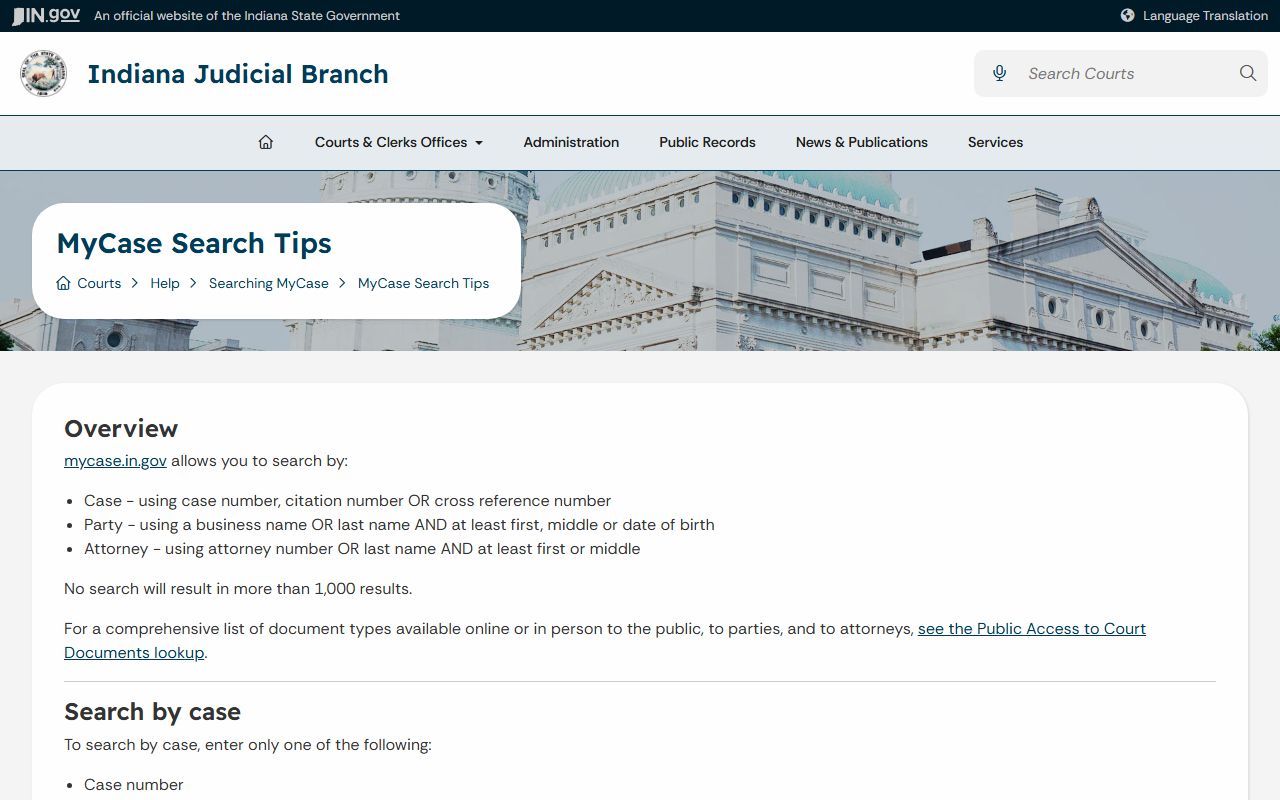
Those tips matter when a common last name, business-name suffix, or missing case prefix causes a search to return too many or too few records.
Montgomery County Court Record Types
Montgomery County court records come from the local Circuit and Superior Courts at the courthouse in Crawfordsville. Circuit Court handles juvenile, civil, and felony or higher criminal matters. Superior Court II states that it handles criminal, civil, domestic relations, tort, plenary, collection, small claims, traffic, and ordinance cases. Superior Court I is also part of the county trial court system and is tied to local case work and the Adult Drug Court listing.
Case type controls both where to search and what may be public. A civil case may show complaints, service, motions, orders, judgments, and collection events. A criminal case may show charges, pleas, hearings, bond orders, no-contact orders, sentencing, probation terms, and financial assessments. Family and divorce cases may be searchable for case activity, but certified divorce decrees are requested from the county clerk. Probate files are assigned locally to Superior Court II, and wills are usually handled through the clerk's office rather than online document access.
- Civil records: complaints, appearances, service, motions, orders, judgments, garnishment, and proceedings supplemental entries.
- Criminal records: filed charges, hearing events, pleas, disposition, sentencing orders, probation terms, and public financial entries.
- Family and divorce records: divorce, custody, child support, paternity, and related orders, with some data restricted or redacted.
- Probate and guardianship records: estate petitions, wills filed with the court, inventories, accountings, guardianship orders, and closing documents.
- Small claims and eviction records: notices of claim, counterclaims, hearings, judgments, proceedings supplemental, and possession-related events.
- Traffic and ordinance records: citation number, case number, charge, court date, disposition, fine, court costs, and payment status.
The Indiana MyCase help page explains public, party, and attorney access, document availability, Odyssey coverage, payments, and the online-record disclaimer.
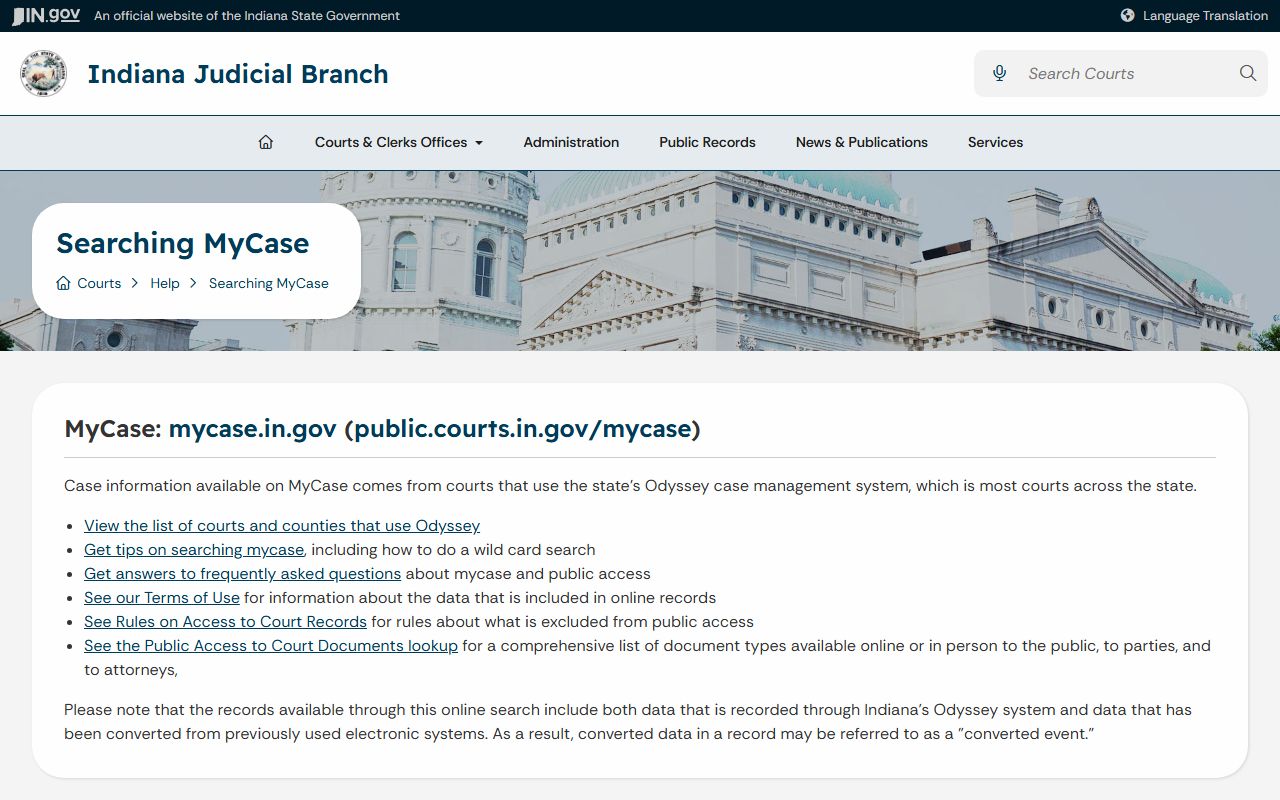
That help material is important because a missing online document link does not always mean the document is confidential; it may mean the document is public but not available remotely.
What Montgomery Court Records Show
A public Montgomery County case record usually starts with identifiers: the cause number, court, case type, filing date, and status. The record then identifies parties and attorneys, followed by the chronological case summary. The chronological case summary is Indiana's event log for filings, hearings, notices, orders, continuances, judgments, dispositions, and other docket activity.
Some records include linked documents. MyCase may show public orders in many civil case types, final orders or judgments in criminal cases, certain expungement orders, appellate opinions and briefs, and non-confidential miscellaneous criminal documents. Many public documents still are not online. Financial summaries may show amounts owed, credits, and payments, but MyCase warns balances may not reflect the newest charges, interest, or payments.
| Field | What It Shows |
|---|---|
| Case Number | Indiana cause number identifying county, court, filing date, case type, and sequence. |
| Court | Montgomery Circuit Court, Superior Court I, Superior Court II, or an appellate court if the case moved on appeal. |
| Case Type | The category, such as civil, criminal, infraction, small claims, domestic relations, probate, guardianship, or juvenile. |
| Filing Date and Status | When the case opened and whether it is open, closed, pending, or otherwise marked by the court. |
| Parties | Plaintiff, petitioner, State, defendant, respondent, business party, or other named party where public. |
| Attorneys | Attorney names and sometimes attorney numbers or party representation. |
| Chronological Case Summary | The event history, including filings, orders, hearings, notices, continuances, judgments, and disposition entries. |
| Charges | Offense description, count, statute, class or level, plea, disposition, and sentence details when public. |
| Financial Summary | Amounts owed, credits, payments, and court-cost information shown in the case. |
| Documents | Public links when available online, with many public documents still requiring a clerk request. |
Montgomery Court Access Channels
Online search is only one channel. The Clerk of the Circuit Court is the local record-keeping office for court copies and court payments. Sondra Sixberry's Clerk's Office is in Room 102 at the Montgomery County Courthouse, 100 E Main St., Crawfordsville, IN 47933. The office lists Monday through Friday hours of 8:00 AM to 4:30 PM, phone 765-364-6430, and fax 765-364-6355.
For online records, use MyCase. For in-person copies, older files, certified copies, current financial balances, and document links that do not appear online, use the Clerk counter. For a written request, use the county-linked public-record request form from the Clerk's service list. For forms, use the county Court Forms document center page. E-filing is for parties and attorneys filing documents, not a public case-search replacement.
The Indiana court-record request page explains when users need the county clerk, the court reporter, the Department of Health, law enforcement, or another agency instead of the online case portal.
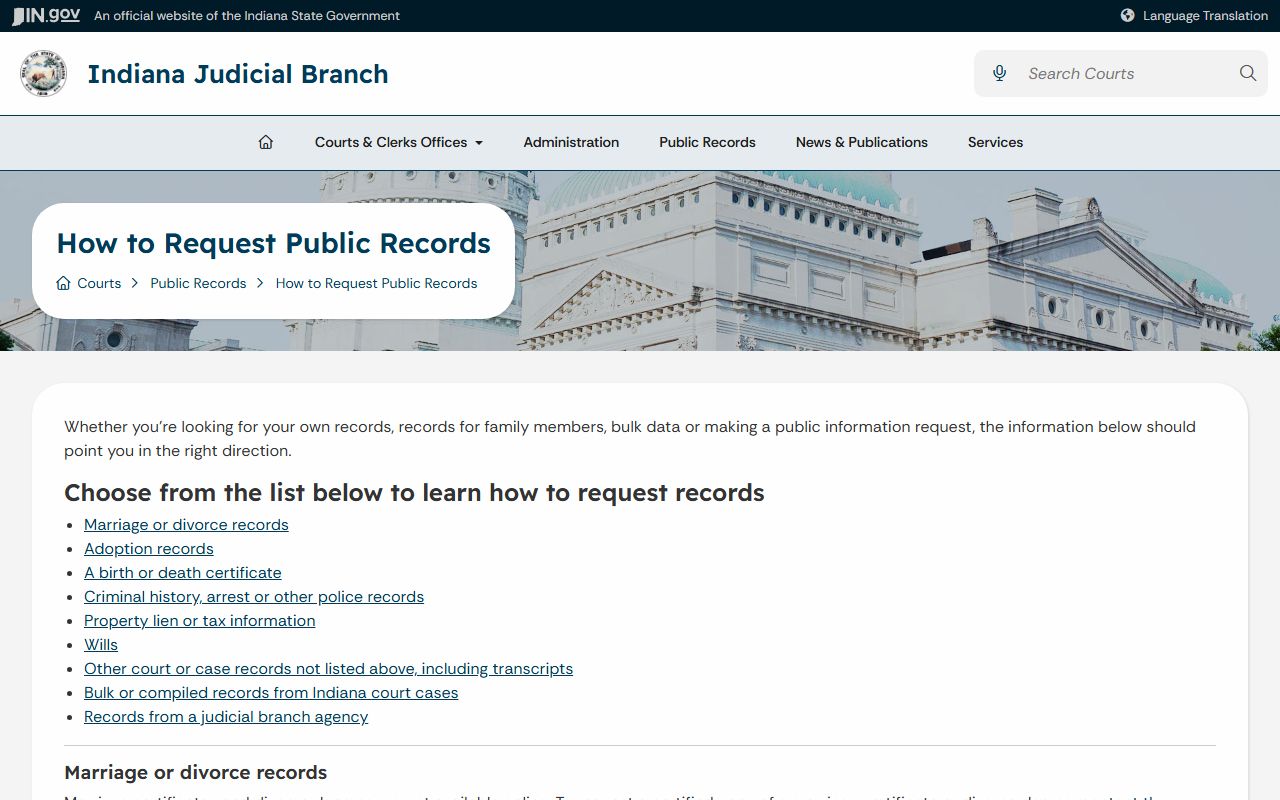
That request guidance supports the practical split used in Montgomery County: search MyCase first, then use the Clerk or the court that holds the original record for official copies.
Clerk of the Circuit Court
Room 102, Montgomery County Courthouse
100 E Main St.
Crawfordsville, IN 47933
765-364-6430
Monday-Friday, 8:00 AM-4:30 PM
Montgomery Court Records Access Rules
Indiana's public-access framework starts with the Indiana Access to Public Records Act, which generally allows inspection and copying of public agency records unless an exception applies. Court records also follow the Indiana Rules on Access to Court Records. Rule 4 states the broad public-access rule, while Rule 10 and related lists identify court records and documents excluded from public access.
The rules affect remote access as well as counter access. A case may be public, but a specific document, image, identifier, or party detail may be excluded online. Date of birth can help narrow a party search, but it does not display in case details. Protected-party information, sealed records, expunged cases, adoption records, many juvenile records, mental-health records, and personal identifiers may be withheld, redacted, or absent.
The Indiana Rules on Access to Court Records are the controlling court-access source for Montgomery County court records when online availability and public access do not match.
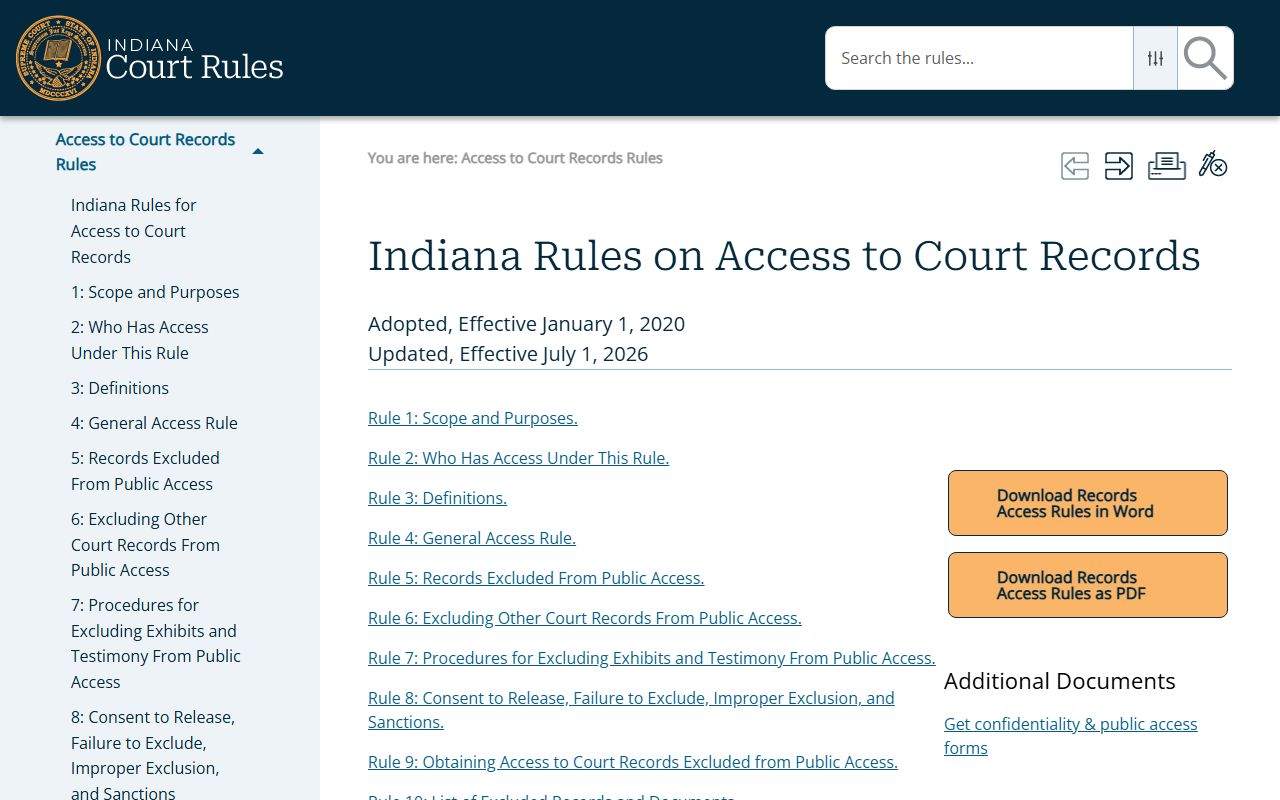
The access rules explain why a public case may have fewer online details than a person expects from the case number or docket history.
Note: Online access is a convenience; certified copies and official records come from the court or the Clerk.
Restricted Montgomery County Records
Several Montgomery County court record categories have access limits. Juvenile delinquency and CHINS-type records are generally confidential under Indiana juvenile-record law. Some juvenile paternity records filed after July 1, 2014 may be available unless made confidential, while older juvenile paternity records remain restricted except for entries the rules allow. Adoption records are confidential and are not available through MyCase.
Protection-order cases cannot be found on MyCase because protected-person identifying information is excluded from online public access. Sealed and expunged records may be hidden or restricted depending on the statute, case type, and court order. Indiana expungement petitions are filed in the court or county tied to the arrest, charge, or conviction, and Montgomery's Court Forms page links expungement resources through Indiana Legal Help and state self-help materials.
If a record is missing online, first confirm the court and cause number. Then ask the Clerk whether the file is public but not online, confidential by rule, sealed by order, expunged, or held by another agency. For law-enforcement reports, use the sheriff or Crawfordsville Police records channel rather than MyCase.